06:45 Plan
Choose where. See what is on the way.
Pick a destination and GeoCharge shows the chargers along the route, before you leave the driveway.
42countries on one map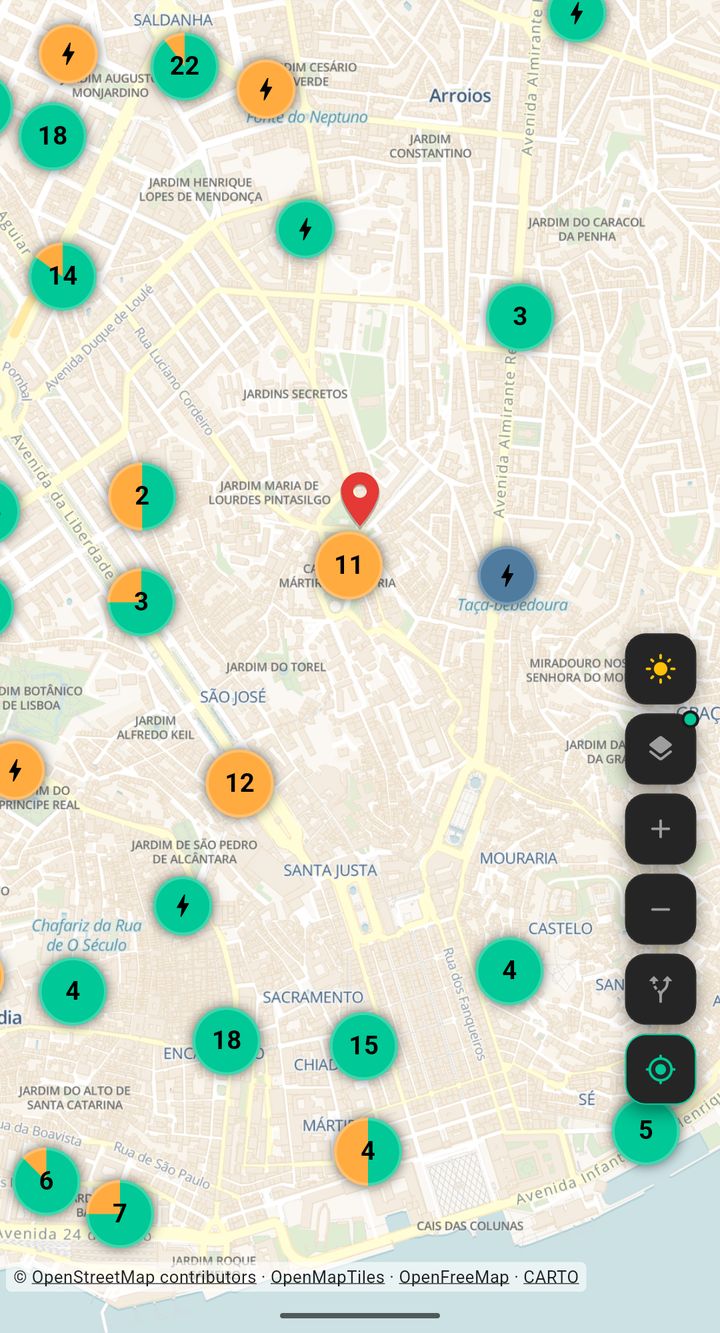 Route
Europe
GeoCharge reads each country’s own charging registry or networks and puts every charger on one free map. Plug types, power and networks, in one app.
 Scan to downloadYour phone opens the right store.
06:45 Plan
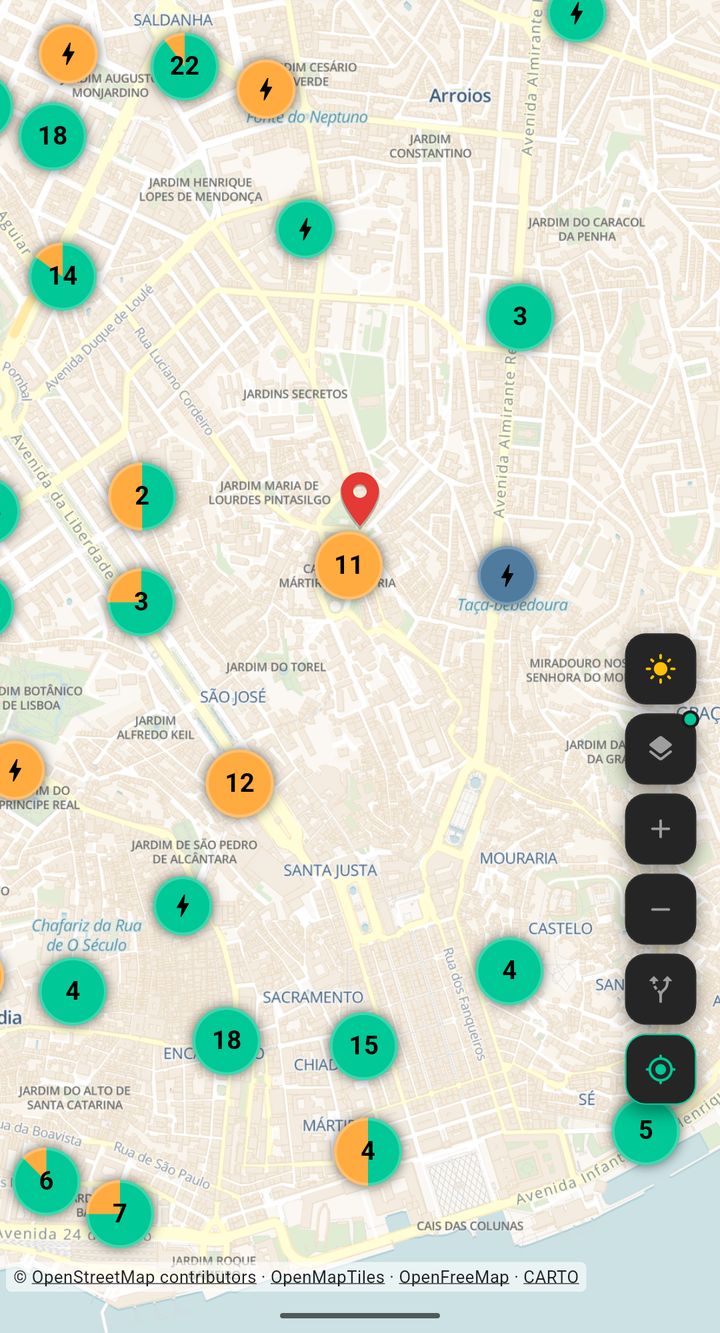
Pick a destination and GeoCharge shows the chargers along the route, before you leave the driveway.
42countries on one mapRoute10:30 Filter
Set your plug once in your profile. The map then shows only the stations that fit, whatever country you are in.
95,818stations with CCS2, one of the plug types13:15 Fast stop
At a fast DC station the same 40 kWh takes about 25 minutes at 100 kW. Then DC slows down, especially above 80 percent, so leave at 80.
~25min for 40 kWh at 100 kW17:40 Evening
At the hotel, AC is enough. At 10 kW, 40 kWh takes about four hours, so it is done long before breakfast.
~4 hfor 40 kWh at 10 kW21:00 Know
No estimates. Each country’s figures show the registry they were read from and the date.
400,714stations countedWhat the map holds, country by country.
Data as of
Every country below has its own page, in its own language.
 Netherlands73,477182,577 plugs
 Germany70,551209,086 plugs
 United Kingdom42,088105,562 plugs
 France40,574175,924 plugs
 Belgium29,623119,224 plugs
 Italy28,39977,732 plugs
 Spain18,56662,507 plugs
 Türkiye13,69437,748 plugs
 Denmark11,97459,177 plugs
 Sweden9,94664,986 plugs
 Portugal8,77219,519 plugs
 Switzerland6,71620,576 plugs
 Poland5,80115,242 plugs
 Austria5,48217,026 plugs
 Norway4,31533,045 plugs
 Greece4,30710,373 plugs
 Finland3,77720,162 plugs
 Romania3,68610,294 plugs
 Czechia2,5597,943 plugs
 Lithuania2,0916,131 plugs
 Ireland2,0907,804 plugs
 Hungary1,9085,141 plugs
 Slovakia1,5305,573 plugs
 Bulgaria1,5083,577 plugs
 Slovenia1,4924,267 plugs
 Croatia8772,599 plugs
 Latvia7482,643 plugs
 Estonia6902,328 plugs
 Iceland6812,791 plugs
 Georgia geocharge.ge ↗6771,221 plugs
 Luxembourg5241,889 plugs
 Armenia4901,484 plugs
 Cyprus266568 plugs
 Malta223521 plugs
 Serbia206509 plugs
 Bosnia and Herzegovina88153 plugs
 Andorra73282 plugs
 North Macedonia65130 plugs
 Montenegro62177 plugs
 Monaco52748 plugs
 Liechtenstein4396 plugs
 San Marino2364 plugs
Each country has its own sources, so each country has its own site. A country page says where the data comes from, which plugs you will meet there and what the app can show.
A new country appears here as soon as the app has charger data for it.
Yes. The app is free to download and use. The optional Premium only removes ads.
The countries listed on this page. A country is added when the app has charger data for it.
No. The website shows which chargers exist. The app shows which ones are free right now, where operators share it.
Open the GeoCharge map and tap the location button: the map centres on you and shows the stations around. Tap a marker to see its connectors, power and operator, then tap Navigate to open the route in your maps app.
Yes. Under the search field, the Fast DC button keeps only fast direct-current chargers and the availability button keeps only the ones that are free right now, where the data includes live status. In your profile you can also set your own connector types and a minimum power.
Yes. Open Plan a trip, enter start and destination, set your connector, minimum power and current battery level, and GeoCharge plans a route through stations that match.
Yes. The same app covers many European countries and Georgia. Switch a country on in your profile and the map shows its stations; a trip that crosses borders works too.