Malta
Malta’s public charging points on one live map
Every charger of the public network in Malta and Gozo, free or busy in real time, with its plugs, power and price per kWh, in the free GeoCharge app.
 Scan to downloadYour phone opens the right store.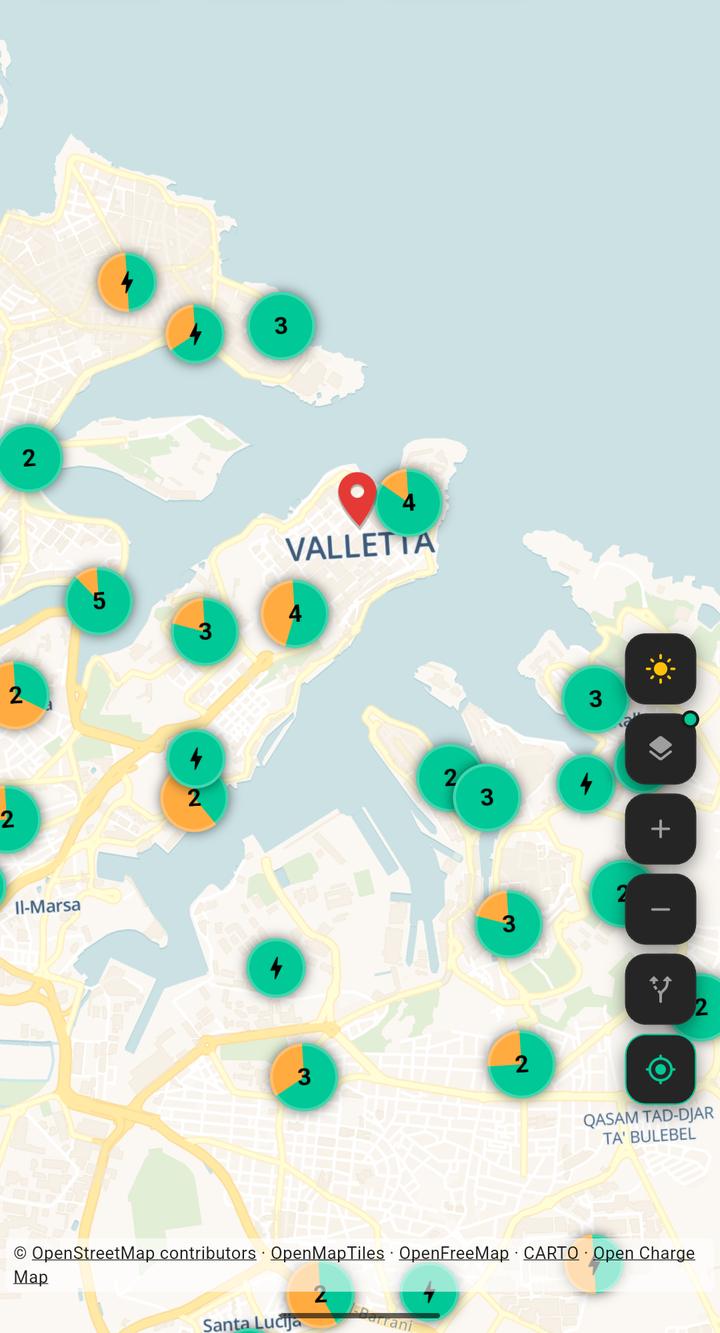
Data as of
Where the data comes from
Almost all public chargers in Malta and Gozo belong to the government’s public network, which drivers use through the ctCharge app. The app reads the same public list of chargers, with the status of each one and the price per kWh the network charges.
Chargers of other operators, at hotels or private car parks, come from Open Charge Map, an open database kept by volunteers. They show plugs and power, without a status or a price.
Which plugs there are in Malta
Most public chargers in Malta have two Type 2 sockets for alternating current (AC), at the roadside and in car parks. The fast chargers (DC) offer CCS2 and, on many of them, CHAdeMO for older Japanese cars.
What the app shows
The map shows each charger by plug and power and colours it free or busy. You can limit the view to fast chargers (DC) or to free plugs, see the price per kWh before you drive there and keep track of what charging costs.
Frequently asked questions
Is GeoCharge free?
Yes. The app is free. The voluntary premium option only removes the adverts.
Where do the charging points in Malta come from?
From the public list of the government’s charging network, the one drivers use through ctCharge, and from Open Charge Map for the few chargers of other operators.
Can I see whether a charger is free?
Yes, for the public network: each charger’s status is read every few minutes, so the map can lag a little behind. Chargers from Open Charge Map show no status.
Does the app show prices?
Yes, for the public network: the price per kWh it publishes for each charger. To start a session you still use the network’s own app or card.
Which plug do I need?
Most new cars in Europe charge with Type 2 (AC) and CCS2 (DC). Check your car’s manual for its plug and choose it in the app’s profile: the map then shows only charge points that fit.
How do I find the nearest charging station?
Open the GeoCharge map and tap the location button: the map centres on you and shows the stations around. Tap a marker to see its connectors, power and operator, then tap Navigate to open the route in your maps app.
Can I show only fast chargers or only available ones?
Yes. Under the search field, the Fast DC button keeps only fast direct-current chargers and the availability button keeps only the ones that are free right now, where the data includes live status. In your profile you can also set your own connector types and a minimum power.
Can I plan a trip with charging stops?
Yes. Open Plan a trip, enter start and destination, set your connector, minimum power and current battery level, and GeoCharge plans a route through stations that match.
Does GeoCharge work in other countries?
Yes. The same app covers many European countries and Georgia. Switch a country on in your profile and the map shows its stations; a trip that crosses borders works too.